
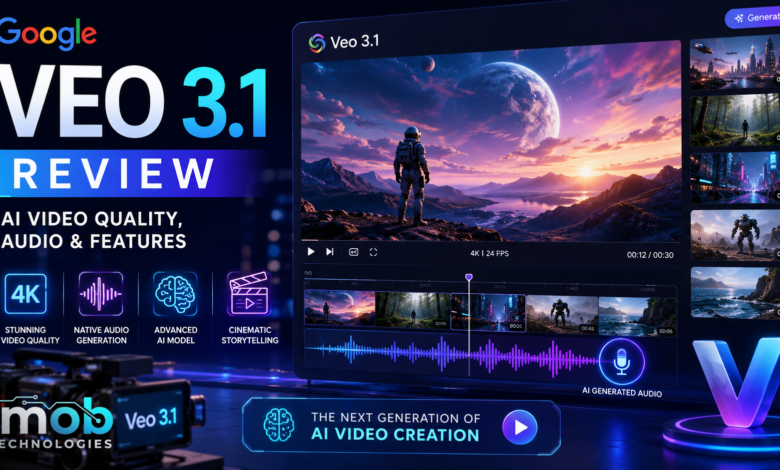
AI video generation is becoming more useful for creators who want to turn ideas into short, polished clips. Google’s latest Veo model focuses not only on visual generation, but also on audio, reference images, video extension, and greater control over the final scene.
Google Veo 3.1 is Google’s latest video-generation model available through the Gemini API. Google describes it as a model capable of generating 8-second videos in 720p, 1080p, or 4K with natively generated audio. Google’s official Veo 3.1 documentation provides the current technical specifications.
But specifications alone don’t tell the whole story. Here’s what Veo 3.1 offers and where it makes the most sense.
What Is Google Veo 3.1 ?
Veo 3.1 is Google’s video-generation model for creating short videos from text and images.
The model supports text-to-video and image-to-video generation, while the full Veo 3.1 model also supports video editing workflows. Its output includes audio generated alongside the video. Google’s Veo video-generation guide
Veo 3.1 is available through the Gemini API, where developers can use the standard model or the faster Veo 3.1 Fast variant. Veo 3.1 model details
That makes it relevant not only to individual creators, but also to developers building video-generation features into their own applications.
Key Features of Veo 3.1
-Native Audio Generation
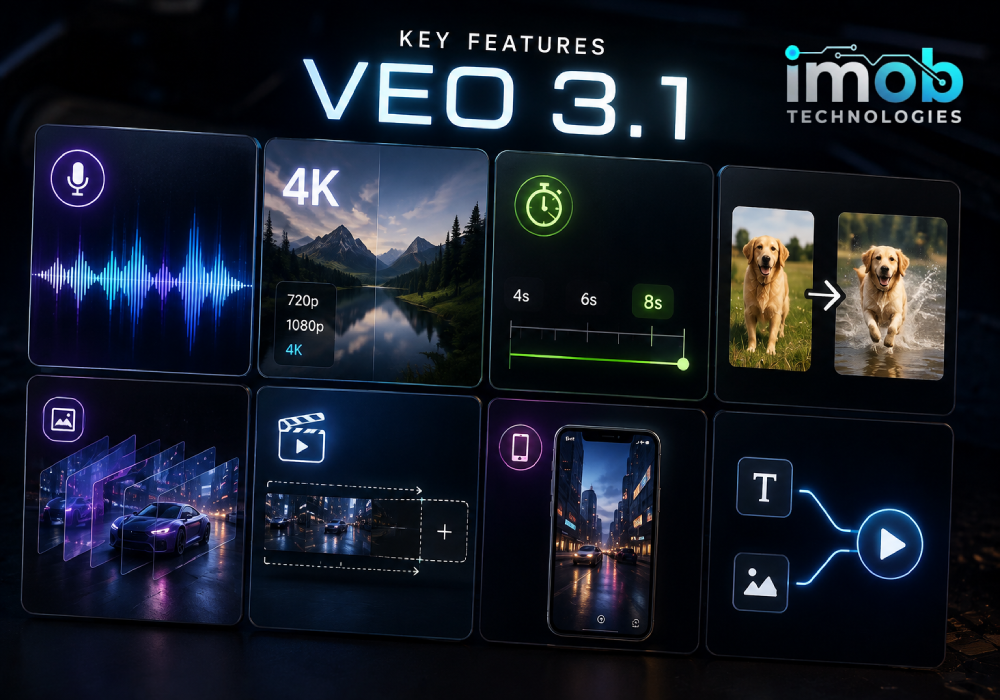
One of Veo 3.1’s biggest features is its ability to generate audio together with the video.
Google lists audio as natively generated and always enabled for Veo 3.1. Depending on the scene and prompt, this can make the output more complete than a workflow where video and sound have to be generated separately. Google’s Veo 3.1 documentation
This can be useful for scenes involving dialogue, environmental sounds, or other audio elements. However, the presence of native audio doesn’t mean every generation will produce perfect sound or dialogue. The final result still depends on the prompt and the scene being generated.
4K Video Output
Veo 3.1 supports 720p, 1080p, and 4K output.
There is an important limitation: Google currently lists 1080p and 4K generation as available for 8-second videos only. Shorter 4- or 6-second generations are available at lower resolutions. Google’s current Veo generation specifications
So while 4K is an important capability, it shouldn’t be treated as an unlimited 4K video-generation mode.
Different Video Lengths
Veo 3.1 can generate 4-, 6-, or 8-second videos.
When using 1080p or 4K, the generation is limited to 8 seconds. Google also notes that using reference images requires an 8-second generation. Veo 3.1 specifications
For short-form content, these relatively short clips can still be useful because creators can generate individual shots and combine them during editing.
Image-to-Video Generation
Veo 3.1 can use an image as an input instead of starting entirely from text.
This gives creators a way to begin with an existing visual and turn it into a moving scene. Google’s documentation lists image-to-video as one of the supported generation methods. Veo 3.1 video-generation documentation
This approach can be useful when maintaining a particular starting image is more important than generating the entire scene from a written description.
Read More: MiniMax H3 Review: Features, Video Quality, Pricing and What to Know in 2026
Reference Images and Creative Control
One of the more interesting parts of Veo 3.1 is its support for reference images.
Google’s documentation describes reference-image workflows that can help guide the generated video. This gives creators more control than simply writing a text prompt and hoping the model produces the desired subject. Google’s Veo documentation
For projects that depend on a specific visual direction, this can make the generation process more predictable.
It also changes the workflow. Instead of describing every visual detail in text, creators can provide an image and use the prompt to explain the movement or scene they want.
Video Extension and Editing
The full Veo 3.1 model also supports video-editing capabilities, including extending generated videos.
This can be useful when a creator has a short clip they like but wants to continue the scene rather than starting from zero. Google’s current feature table lists video editing for Veo 3.1, while Veo 3.1 Lite does not support video extension. Google’s Veo model comparison
This distinction is worth remembering when comparing the different Veo 3.1 variants.
Vertical Video for Mobile Content
Veo 3.1 also supports portrait-oriented video, making it more suitable for mobile-first content.
That matters for creators working primarily with vertical formats, because the intended aspect ratio can be part of the generation workflow instead of relying entirely on cropping afterward.
For social-media creators, this can make the model more practical for producing short vertical clips alongside traditional landscape content.
How Good Is Veo 3.1 Video Quality?
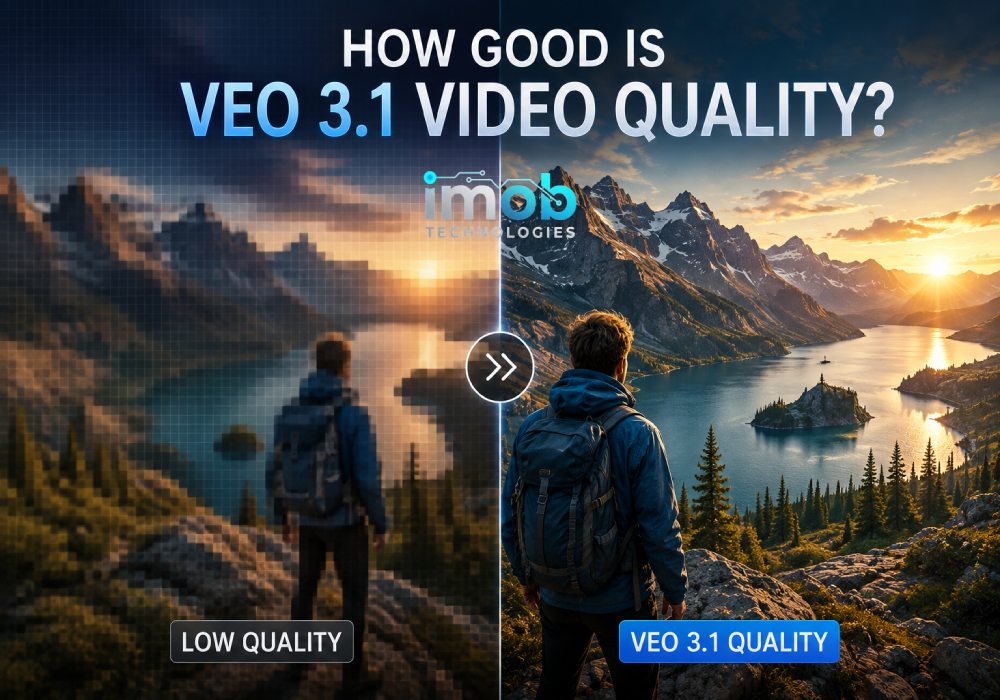
Google positions Veo 3.1 as a high-end cinematic model, highlighting complex camera movements, temporal consistency, and creative control. Google’s official Veo 3.1 model page
Still, video resolution isn’t the only measure of quality.
A useful AI video model also needs to handle things such as:
- Natural movement
- Consistent subjects
- Camera instructions
- Scene composition
- Prompt accuracy
- Audio synchronization
This is why it’s better to look at Veo 3.1 as a combination of visual quality and creative control, rather than judging it only by its 4K capability.
And because the model is still listed as a preview, its capabilities and availability can change as Google continues updating it.
Veo 3.1 vs. Veo 3.1 Lite
Google also offers Veo 3.1 Lite, a developer-focused version intended for more cost-efficient, high-volume video applications.
The Lite model still supports text and image inputs and generates video with audio. However, Google explicitly states that Veo 3.1 Lite does not support 4K output or video extension. Veo 3.1 Lite documentation
That creates a fairly simple distinction:
Veo 3.1: more advanced capabilities and 4K support.
Veo 3.1 Lite: designed more around efficiency and high-volume developer workflows.
The right choice therefore depends on whether maximum capability or lower-cost scaling matters more for the project.
Who Is Google Veo 3.1 For?
Veo 3.1 is most interesting for people who need more control than a basic text-to-video tool provides.
It can be useful for:
- Short-form video creators
- Marketing teams
- Visual storytellers
- Product-content creators
- Filmmakers experimenting with AI
- Developers building video applications
Its combination of text and image inputs, native audio, different resolutions, and editing capabilities makes it flexible enough for several types of creative workflows.
Limitations to Consider
Veo 3.1 isn’t a complete replacement for traditional video production.
The generated clips are short, with 4-, 6-, and 8-second options. Higher-resolution 1080p and 4K generation is currently limited to 8-second outputs.
The model is also still in preview, so creators should expect that features, availability, and pricing can change over time.
And while native audio is a major advantage, creators should still review each generated clip rather than assuming the audio will always match the intended scene perfectly.
Final Verdict
Google Veo 3.1 is more interesting than a simple text-to-video generator because it combines video generation, native audio, image inputs, creative controls, and editing capabilities in the same ecosystem.
Its support for 4K output is another major advantage, although that option currently comes with an 8-second duration limit.
The addition of Veo 3.1 Lite also gives developers a more efficiency-focused option for larger video-generation workloads, although it sacrifices features such as 4K output and video extension.
Overall, Veo 3.1 is a strong option for creators who want more control over short AI-generated scenes rather than simply turning a sentence into a video. Its biggest strength is the combination of visual generation and native audio, while its short clip duration and preview status are important limitations to keep in mind.
Read More: Text to Video AI: How to Turn Your Ideas Into Videos