
AI video generation is moving beyond simple text-to-video prompts. The latest models are starting to combine text, images, video, and audio in a single workflow, and MiniMax H3 is one of the newest examples.
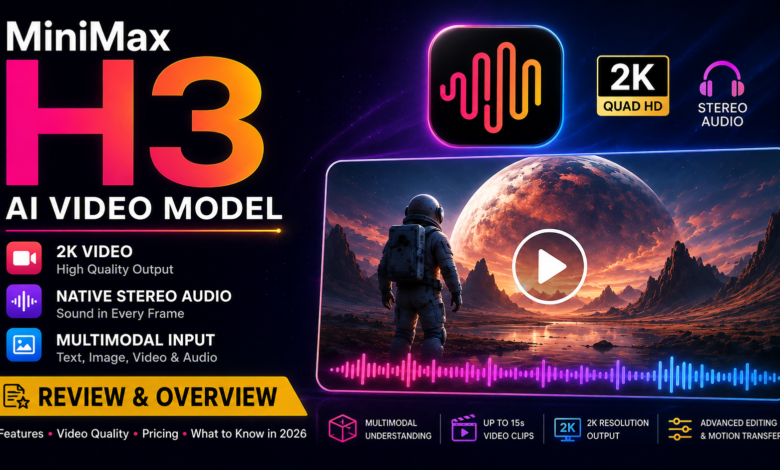
Released on July 31, 2026, MiniMax H3 is a multimodal video generation model from MiniMax. It can process text, images, video, and audio together and generate videos up to 2K resolution with native stereo sound. Reuters also reports that H3 supports video editing and motion transfer using multimodal instructions.
So, what makes MiniMax H3 different, and is it worth watching?
What Is MiniMax H3?
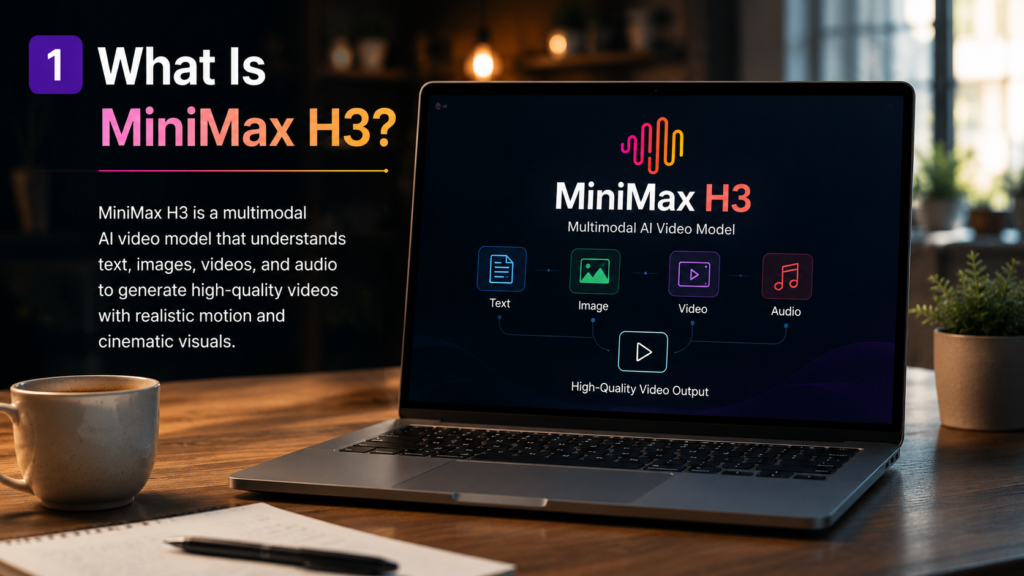
MiniMax H3 is designed as a multimodal generation model rather than a basic text-to-video system.
That means users can provide different types of information as part of a generation workflow instead of relying only on a written prompt. According to reports about the launch, H3 can understand combinations of text, images, video, and audio before producing video with synchronized stereo sound.
This approach is important because creating a useful AI video often involves more than describing a scene.
A creator may already have a character image, a reference video, an audio sample, or another visual asset. A model that can work with several of these inputs could make the process more flexible.
MiniMax H3 Key Features
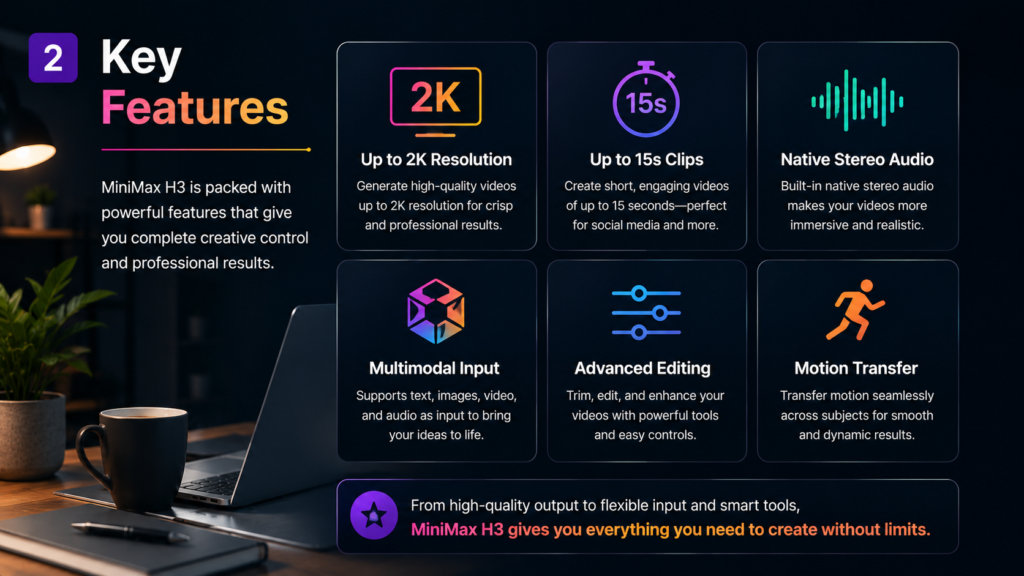
The main capabilities reported for H3 include:
- Multimodal input using text, images, video, and audio
- Video generation up to 2K resolution
- Clips of up to 15 seconds
- Native stereo audio
- Video editing through multimodal instructions
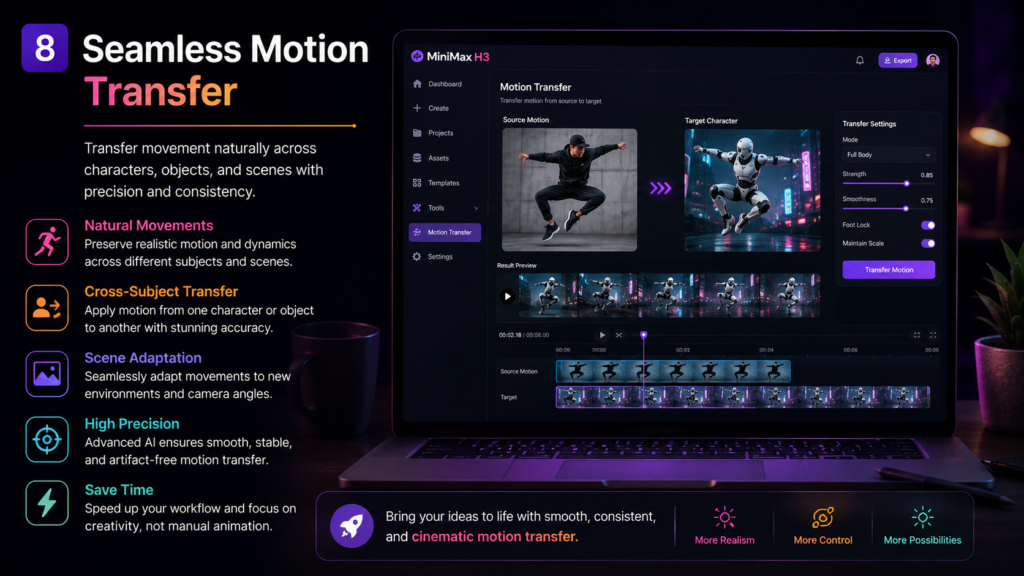
- Motion transfer between videos
These features make H3 more than a conventional text-to-video generator. Reuters reported that the model can use multimodal instructions for editing and transferring motion between videos.
MiniMax already provides several video-generation workflows through its developer platform, including text-to-video, image-to-video, first-and-last-frame generation, and subject-reference video generation. MiniMax Video Generation documentation
Why Native Audio Matters
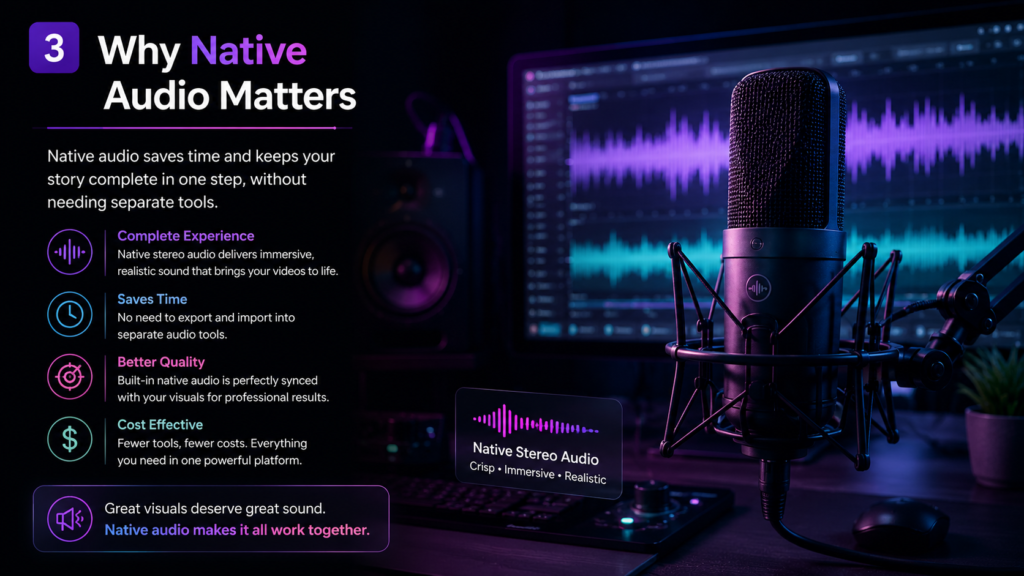
Native audio could be one of H3’s most useful features.
With a traditional AI video workflow, creators may need to generate the visuals first and then use another tool for voice, music, or sound effects. That adds another step to the production process.
H3 is designed to generate video with stereo audio as part of the same generation process. The reported 2K output and native stereo sound are among the main specifications highlighted after its launch.
However, having native audio does not automatically mean that every generated clip will have perfect dialogue, sound effects, or synchronization. Those qualities need to be judged through real-world testing.
That distinction matters when comparing AI video models: specifications tell you what a model can produce, while actual generations show how consistently it can do it.
How Good Is MiniMax H3 Video Quality?
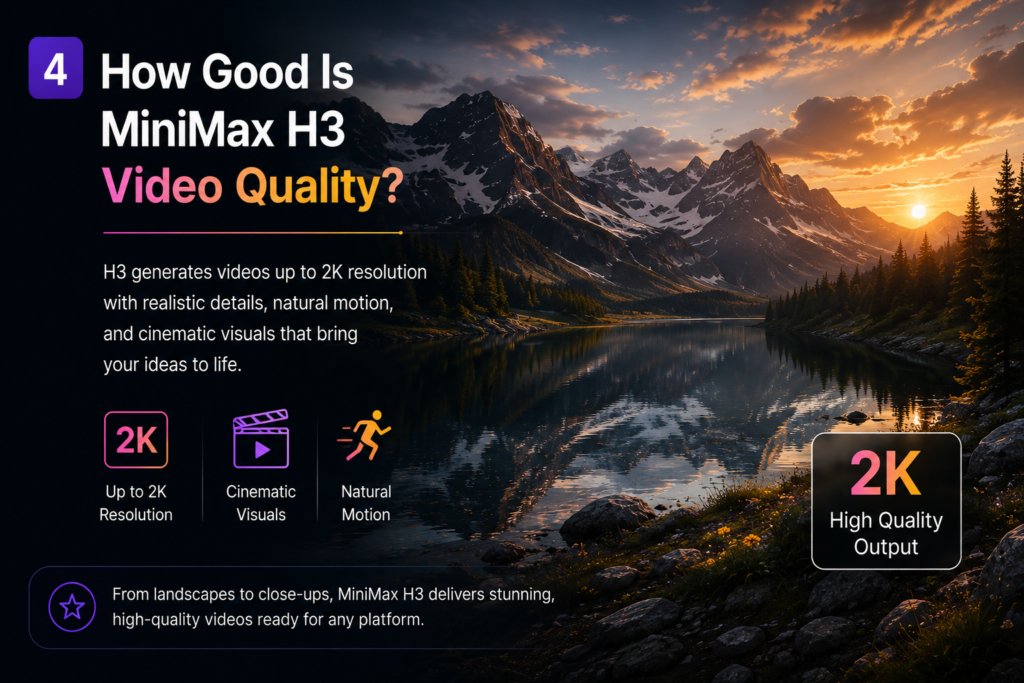
On paper, H3 has strong specifications. It can generate clips up to 15 seconds in 2K resolution, while also producing native stereo audio.
But resolution is only one part of video quality.
For practical use, an AI video model also needs to handle:
- Natural movement
- Consistent subjects
- Camera instructions
- Object interactions
- Prompt accuracy
- Audio synchronization
Because H3 has only just launched, it is too early to make a definitive claim that it is better than every competing model.
The more interesting question is whether its multimodal approach produces more useful results in real projects.
MiniMax H3 vs Traditional Text-to-Video

A basic AI video workflow often looks like this:
Text prompt → Generate video → Add audio → Edit → Export
A multimodal model attempts to reduce some of those separate steps.
For example, instead of describing everything from scratch, a creator could potentially combine a reference image or video with instructions about how the scene should change.
This can be particularly useful when consistency matters.
It does not mean traditional text-to-video tools are no longer useful. Simple prompts can still be the fastest option for creating an idea from scratch.
The difference is that H3 is designed around a broader set of inputs and outputs.
Who Could Benefit From MiniMax H3?
Content Creators
Short-form creators could benefit from a video model that combines visual generation and audio in one workflow.
Marketers
Marketing teams can use AI video generation for concepts, product visuals, social media content, and early campaign ideas.
Video Editors
Editors may find multimodal generation useful for creating additional footage or experimenting with different versions of a scene.
Developers
MiniMax also offers APIs for developers who want to integrate video generation into their own applications. Its documentation explains how developers can create video-generation tasks and retrieve the resulting files. MiniMax API documentation
Read More: Text to Video AI: How to Turn Your Ideas Into Videos
Is MiniMax H3 Free?
This is one area where it is better not to rely on outdated third-party pricing information.
MiniMax currently offers several pricing models across its platform, including subscriptions, prepaid credits, video packages, and pay-as-you-go API billing. MiniMax pricing overview
Its published video pricing documentation also shows that video-generation costs vary according to the model and generation settings. MiniMax video pricing
Because H3 is a newly released model, users should check the current MiniMax platform pricing before buying credits or choosing a plan rather than relying on an older article.
Is MiniMax H3 Worth Trying?
If you are interested in AI video generation, H3 is worth keeping an eye on.
Its combination of multimodal input, 2K video output, short clips, and native stereo audio gives it a different position from basic text-to-video tools.
However, it is still too early to call it the best AI video generator.
The real test will be consistency: how well it follows complex prompts, maintains subjects, handles motion, and synchronizes audio across different types of scenes.
For creators who want to experiment with multimodal video generation, those capabilities alone make H3 an interesting model to test.
Final Verdict
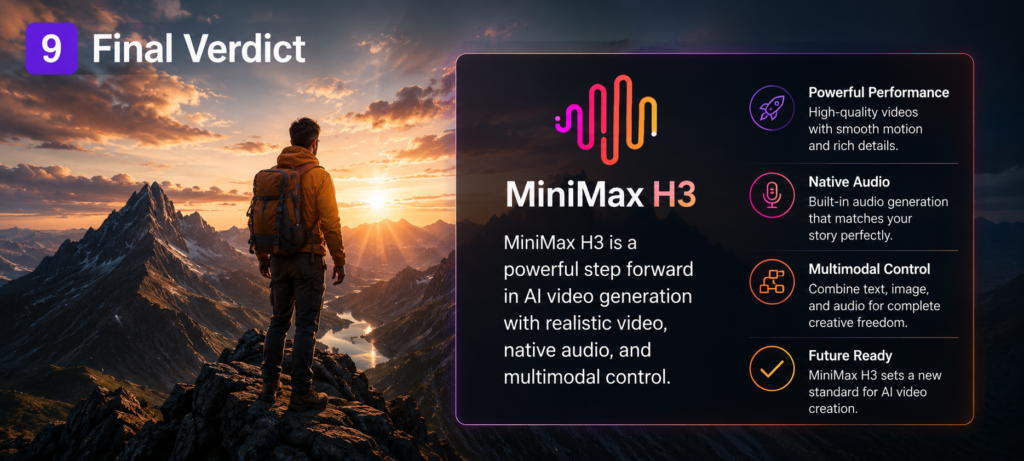
MiniMax H3 represents an important direction for AI video generation: moving from isolated text-to-video generation toward a workflow that can understand several types of media and produce video with audio.
Its headline specifications are impressive, especially the combination of 2K video, up to 15-second clips, and native stereo sound.
Still, specifications are not enough to determine which AI video model is best.
For now, the most reasonable conclusion is that MiniMax H3 is a promising new option for creators and developers who want a more flexible multimodal video workflow. As more independent testing becomes available, it will be easier to judge how it compares with other leading video-generation models.
Bottom line: MiniMax H3 is one of the most interesting AI video releases of 2026, but its real value will depend on the quality and consistency of its results in everyday use.