

Table of contents
- Why Smartphone Battery Health Gets Worse Over Time
- 1. Keep Your Phone Away From Heat
- 2. Use Optimized Charging Features
- 3. Avoid Keeping the Battery at 100% All Day
- 4. Don’t Let the Battery Hit 0% Too Often
- 5. Reduce Screen Settings That Drain Battery
- 6. Control Background Apps
- 7. Use Battery Saver Without Waiting Too Long
- 8. Be Careful With Fast Charging Every Day
- 9. Keep Software Updated
- 10. Know When Battery Replacement Makes More Sense
- Quick Smartphone Battery Health Checklist
- Final Thoughts
- FAQ
Smartphone Battery Health depends on more than how often you charge your phone. Heat, charging patterns, screen settings, background apps, and battery protection features all affect how long the battery stays reliable.
You cannot stop battery aging completely. Lithium-ion batteries are consumable parts, and their capacity naturally drops over time.
But you can slow down the wear with better daily habits.
Why Smartphone Battery Health Gets Worse Over Time
Phone batteries age chemically. That means battery health is affected by charge cycles, heat, charging behavior, and how hard the phone works every day.
Apple explains that an iPhone battery’s lifespan is linked to its chemical age, which includes temperature history and charging patterns. Apple’s guide on how to charge and maintain your iPhone battery is a useful starting point for understanding why battery care matters.
Google gives similar guidance for Pixel phones, noting that rechargeable lithium-ion batteries have a limited number of charge cycles and eventually need replacement. Its official page on understanding your Pixel battery explains how usage, charging, and temperature affect capacity over time.
The short version: your battery will age anyway, but heat and bad charging habits can make it age faster.
1. Keep Your Phone Away From Heat
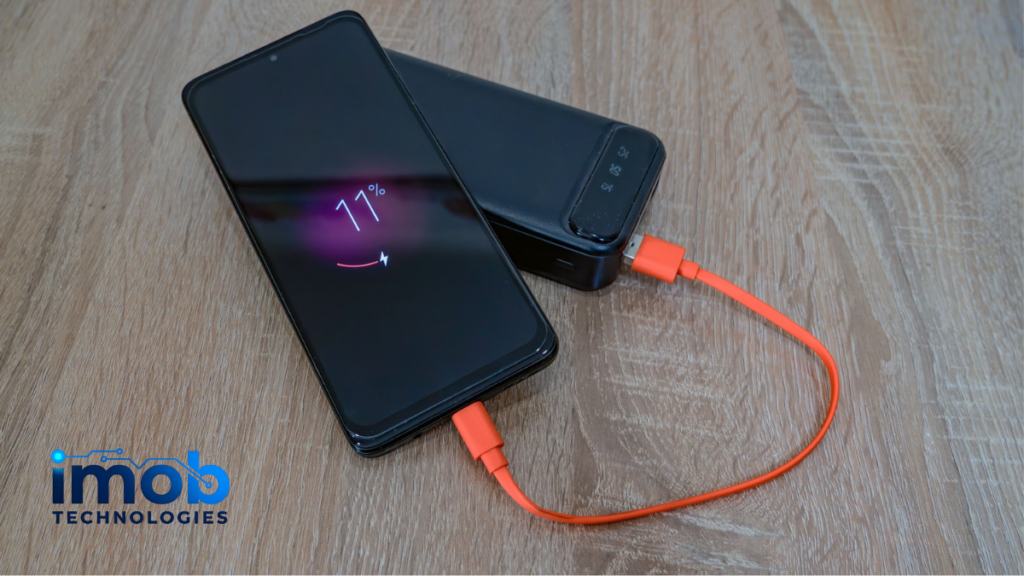
Heat is one of the biggest enemies of battery health.
Leaving your phone in a hot car, using it under direct sunlight, charging it under a pillow, or gaming while charging can push the battery into stressful temperatures.
Try to avoid:
- Charging in direct sunlight
- Keeping the phone under blankets
- Using heavy apps while fast charging
- Leaving the phone in a parked car
- Using thick cases during hot charging sessions
If the phone feels very warm while charging, remove the case and place it somewhere cool and ventilated.
Read more: Phone Overheating for No Reason? Hidden Settings to Check First
2. Use Optimized Charging Features
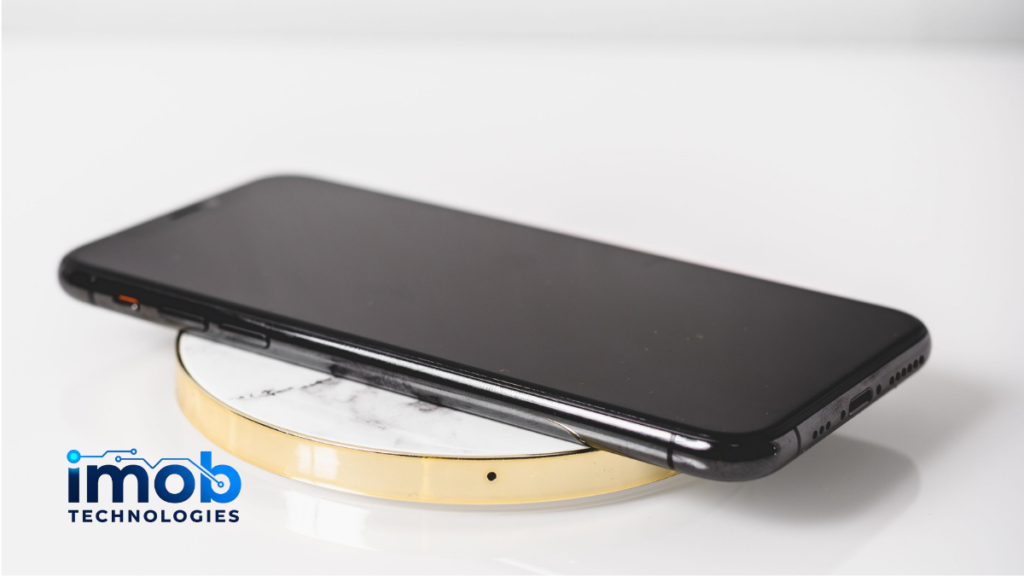
Modern phones include battery protection features for a reason.
On iPhone, Optimized Battery Charging can delay charging past 80% in certain situations to reduce battery aging. Apple explains this feature in its guide on Charge Limit and Optimized Battery Charging.
Samsung also offers Battery protection options on supported Galaxy phones. On newer One UI versions, users may see modes such as Basic, Adaptive, and Maximum. Samsung’s official guide to Galaxy Battery protection explains how these modes manage charging limits.
If your phone has an optimized charging or battery protection setting, turn it on unless you have a specific reason not to.
3. Avoid Keeping the Battery at 100% All Day
Charging to 100% is not dangerous by itself. Phones are designed to manage charging safely.
The problem is keeping the battery at full charge for long periods, especially in warm conditions.
If your phone supports an 80% or 85% charge limit, it can help reduce long-term battery stress. This is useful if you often keep the phone plugged in overnight, at a desk, or in a car.
You do not need to obsess over exact percentages. Just avoid turning “fully charged and hot” into a daily habit.
4. Don’t Let the Battery Hit 0% Too Often
Deep discharges can also add stress.
It is fine if your phone reaches 0% sometimes. Life happens. But doing it regularly is not ideal for battery lifespan.
A better habit is to charge before the phone gets critically low. For many users, plugging in somewhere around 20% is a practical approach.
Again, this does not need to become a strict rule. The goal is to avoid extremes: constantly empty or constantly full.
5. Reduce Screen Settings That Drain Battery
Your display is one of the biggest power users on any smartphone.
High brightness, long screen timeout, always-on display, and high refresh rate can drain battery faster. More battery drain means more charging, and more charging adds to long-term wear.
Google’s Android Help guide on getting the most life from your Android device’s battery recommends settings like reducing brightness, letting the screen turn off sooner, using adaptive brightness, and turning on dark theme where helpful.
Start with these:
- Turn on auto-brightness
- Reduce screen timeout
- Use dark mode on OLED screens
- Lower brightness indoors
- Turn off always-on display if you do not need it
Small display changes can make the phone last longer between charges.
6. Control Background Apps
Some apps keep working after you close them.
They may sync files, refresh feeds, track location, send notifications, or upload photos. That drains battery and can create heat.
Check battery usage in Settings. If one app is using too much power in the background, restrict it or change its permissions.
Common apps to review include:
- Social media apps
- Cloud backup apps
- Shopping apps
- Games
- Navigation apps
- AI and photo editing apps
You do not need to disable everything. Keep background access for apps that matter, and limit the rest.
7. Use Battery Saver Without Waiting Too Long
Battery saver is not only for emergencies.
It can reduce background activity, limit visual effects, and stretch your charge when you know you will be away from a charger.
On Android, Adaptive Battery and Battery Optimization can also help reduce power use from apps you do not use often. Google recommends keeping Adaptive Battery and Battery Optimization on for Pixel phones in its guide to getting the most from your Pixel phone battery.
On iPhone, Low Power Mode can help when battery life matters more than background activity.
Use these features early during long days, not only when the phone is already at 3%.
8. Be Careful With Fast Charging Every Day
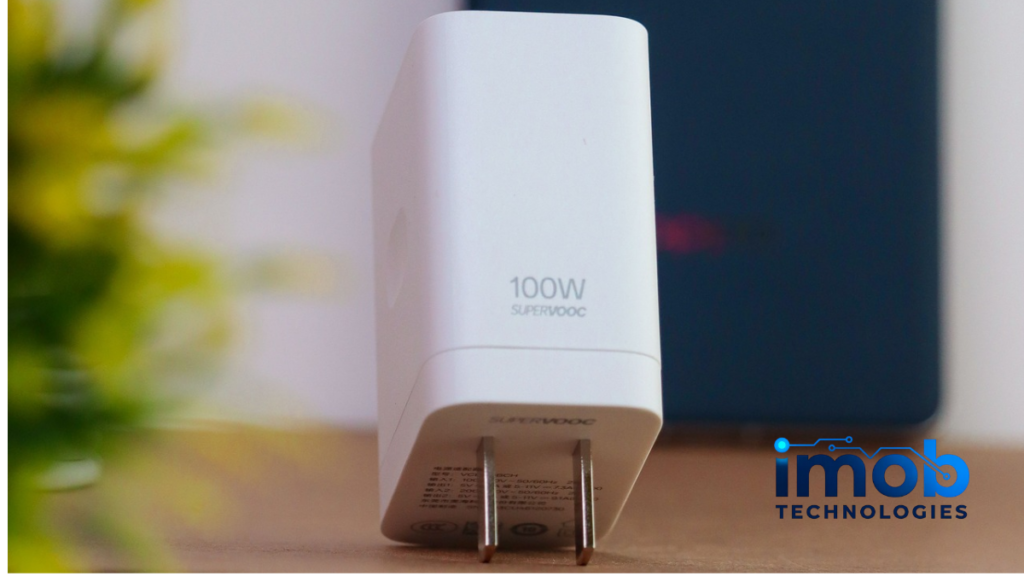
Fast charging is convenient, and modern phones are built to handle it.
Still, fast charging can create more heat than slower charging. If you only need a quick top-up, it is fine. But if your phone gets warm every night on a fast charger, consider using a slower charger when speed does not matter.
A simple habit works well: fast charge when you need it, slow charge when you do not.
This is especially useful if you charge overnight.
9. Keep Software Updated
Software updates can improve battery management, fix bugs, and reduce unnecessary background drain.
Update your phone system and important apps regularly. If battery life gets worse right after a major update, give the phone some time. It may be indexing files, updating apps, or rebuilding background data.
If the problem continues for several days, check battery usage and remove apps that behave badly.
Read more: Android 16 Hidden Features Most Users Still Haven’t Tried
10. Know When Battery Replacement Makes More Sense
Good habits help, but they cannot make an old battery new again.
If your phone shuts down unexpectedly, drains very fast, gets hot during simple tasks, or shows poor battery health, replacement may be the better fix.
On iPhone, check Battery Health in Settings. On some Android phones, battery health or cycle count may appear in battery diagnostics, depending on the model.
If the phone is still good but the battery is weak, replacing the battery can be cheaper than buying a new device.
Quick Smartphone Battery Health Checklist
Use these habits daily:
- Avoid heat whenever possible
- Turn on optimized charging
- Avoid staying at 100% for long periods
- Avoid frequent 0% battery drops
- Lower brightness indoors
- Shorten screen timeout
- Limit background apps
- Use Battery Saver earlier
- Update apps and system software
- Replace the battery when health is clearly poor
You do not need perfect charging habits. You just need fewer stressful ones.
Final Thoughts
Smartphone Battery Health is mostly about reducing stress.
Heat, constant full charging, deep discharges, heavy background apps, and bright screens all make the battery work harder. Better habits will not stop aging, but they can help your phone stay reliable for longer.
Start with the easiest wins: turn on optimized charging, reduce heat, check background apps, and use battery saver before the phone is nearly dead.
Those small changes are often enough to make your battery last longer day to day and age better over time.
FAQ
What is Smartphone Battery Health?
Smartphone Battery Health refers to how much capacity and performance your phone battery can still deliver compared with when it was new.
What damages phone battery health the most?
Heat is one of the biggest factors. Long periods at 100%, frequent deep discharges, heavy charging while using the phone, and high background activity can also add stress.
Is charging overnight bad for battery health?
Modern phones manage charging safely, but staying at 100% for long periods can add wear over time. Optimized charging or charge limit features can reduce that stress.
Should I charge my phone to 80%?
If your phone supports an 80% charge limit, it can help protect long-term battery health. But it is optional. If you need full battery for the day, charging to 100% is fine.
Does fast charging hurt Smartphone Battery Health?
Fast charging is supported by modern phones, but it can create more heat. Use it when needed, and use slower charging when speed does not matter.
When should I replace my phone battery?
Consider replacement if the phone drains quickly, shuts down unexpectedly, gets hot during light use, or shows poor battery health in settings.