

Table of contents
- What GPU Sag Actually Is
- How Much GPU Sag Is Dangerous?
- Can GPU Sag Damage the Card or Motherboard?
- What Actually Prevents GPU Sag?
- GPU Support Brackets Work Best
- Correct Rear Bracket Installation Matters
- Vertical GPU Mounting Can Help, But It Is Not Always Better
- Cable Tension Can Make Sag Worse
- DIY Fixes: Safe or Risky?
- When You Should Fix GPU Sag Immediately
- The Practical Answer
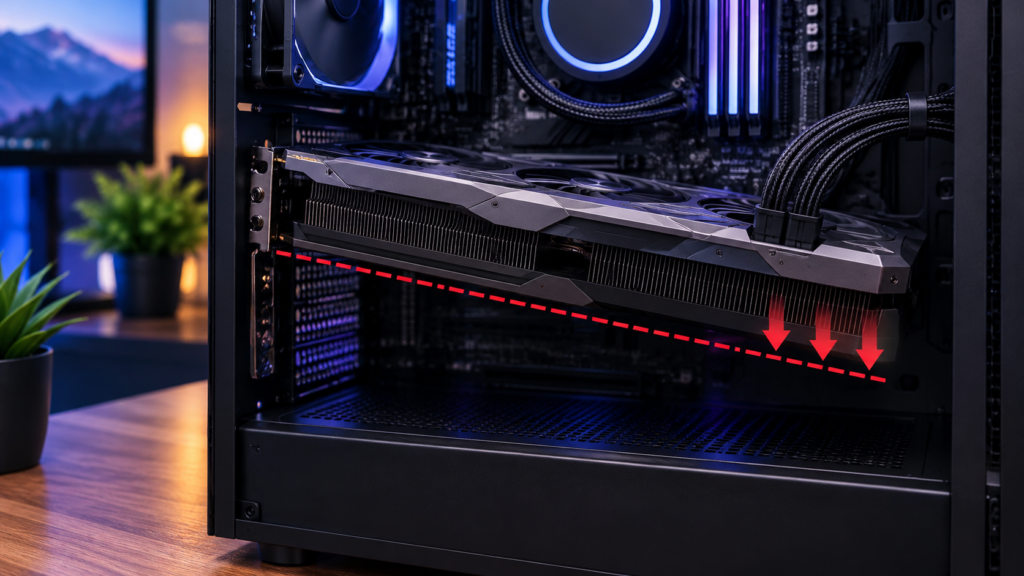
A heavy graphics card can tilt down over time because of how it is mounted in the case. This is called GPU sag and it shows up a lot on the bigger triple slot cards these days. Especially the ones with those large coolers.
It seems like the real issue is not just if it is level but whether it is stressing the connection or the board. For most setups a small amount does not cause problems right away.
Severe cases are different though. When there is visible bending or it changes over time then something to hold it up is probably a good idea. It is cheap enough anyway.
What GPU Sag Actually Is
A graphics card is usually supported in two places:
- The PCIe slot on the motherboard
- The rear expansion slot screws on the case
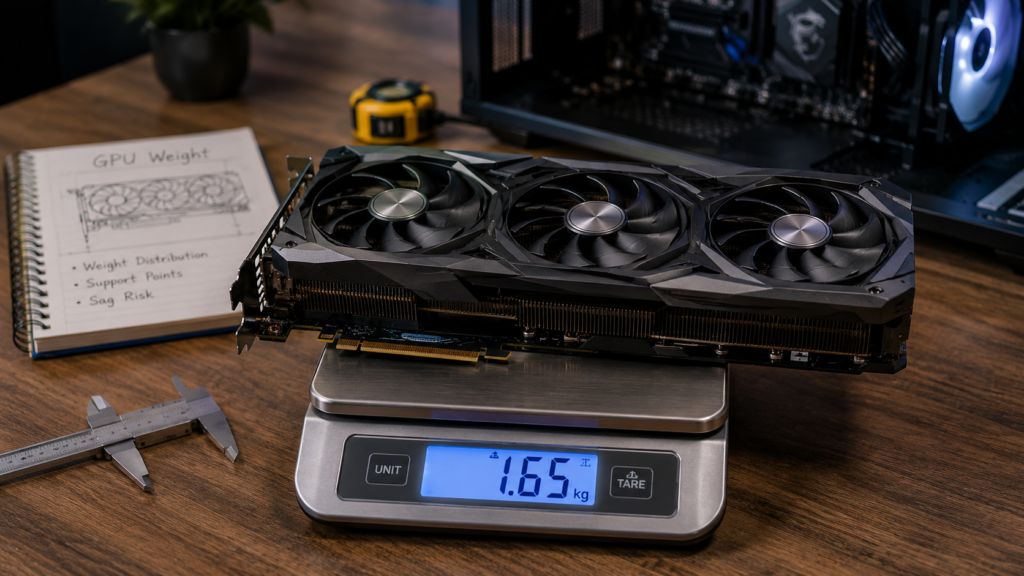
On smaller cards, that is usually enough. On larger GPUs, much of the card’s weight sits far away from those support points. The cooler, heatsink, shroud, and fans can create leverage that pulls the far end of the card downward.
This is why GPU sag is more noticeable on large gaming, rendering, and AI workstation cards. Modern GPUs can be long, thick, and heavy, especially models with oversized air coolers.
ASUS says some RTX 4000 Series and RX 7000 Series graphics cards include a holder because larger cards may need extra reinforcement to prevent sagging or bending under their own weight. Its official guide on installing a graphics card holder confirms that manufacturers treat support as a real mechanical concern on heavier models.
How Much GPU Sag Is Dangerous?
There is no universal safe angle that applies to every graphics card. A few millimeters of downward tilt at the far end of the card is usually normal. The danger depends on the card’s weight, PCB stiffness, case layout, slot strength, and how the card is mounted.
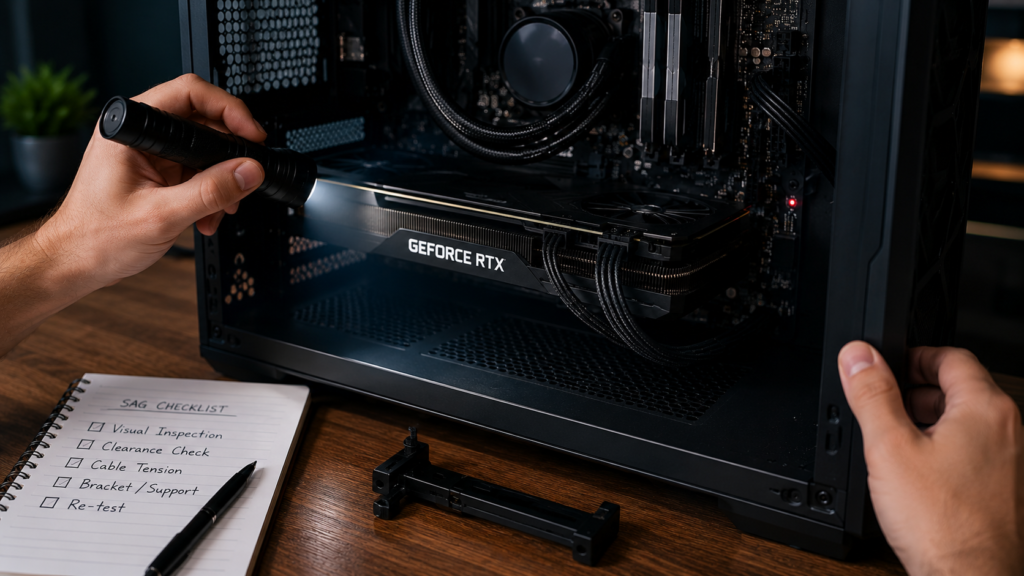
GPU sag becomes more concerning when you notice any of these signs:
- The PCIe connector area looks visibly twisted
- The card is pulling downward sharply near the motherboard slot
- The card no longer sits evenly in the rear expansion slots
- The GPU moves when the desk or case is bumped
- Fans are close to touching cables, brackets, or the case
- The card has started sagging more over time
- You see intermittent crashes after moving the PC
- The system only works when the GPU is lifted or reseated
A slight downward angle at the outer edge is usually cosmetic. A bend that appears to torque the motherboard slot or PCB is not something to ignore.
The highest-risk situations are large, heavy GPUs installed horizontally in tower cases, especially if the PC is moved frequently. Shipping or transporting a PC with a heavy GPU installed can also increase stress because vibration and sudden impacts are much worse than static sag.
Can GPU Sag Damage the Card or Motherboard?
Yes, but the risk is usually gradual rather than instant. GPU sag can contribute to several problems.
- PCIe slot stress
The motherboard’s PCIe x16 slot is designed to hold a graphics card, but heavy cards create leverage. Over time, extreme sag may stress the slot or solder joints. - PCB bending
A graphics card PCB can flex slightly, but visible bending is not ideal. Severe bending may put pressure on traces, solder joints, memory modules, or the GPU package area. - Poor connector contact
If sag affects how the PCIe connector sits in the slot, it can cause instability. This is not the most common failure mode, but it is possible, especially after moving the system. - Cooler pressure imbalance
Large heatsinks are mounted to the PCB. If the card is under constant uneven stress, the cooler and PCB may not remain perfectly aligned over the long term.
That said, GPU sag does not automatically mean damage is happening. Many systems run for years with mild sag. The goal is to prevent avoidable stress before it becomes a problem.
What Actually Prevents GPU Sag?
The most effective solution is physical support under or beside the graphics card. Software settings, fan curves, and cable routing may improve temperatures or airflow, but they do not solve mechanical sag.
Read More → GPU Sag Bracket: What Fits and What Actually Works
GPU Support Brackets Work Best
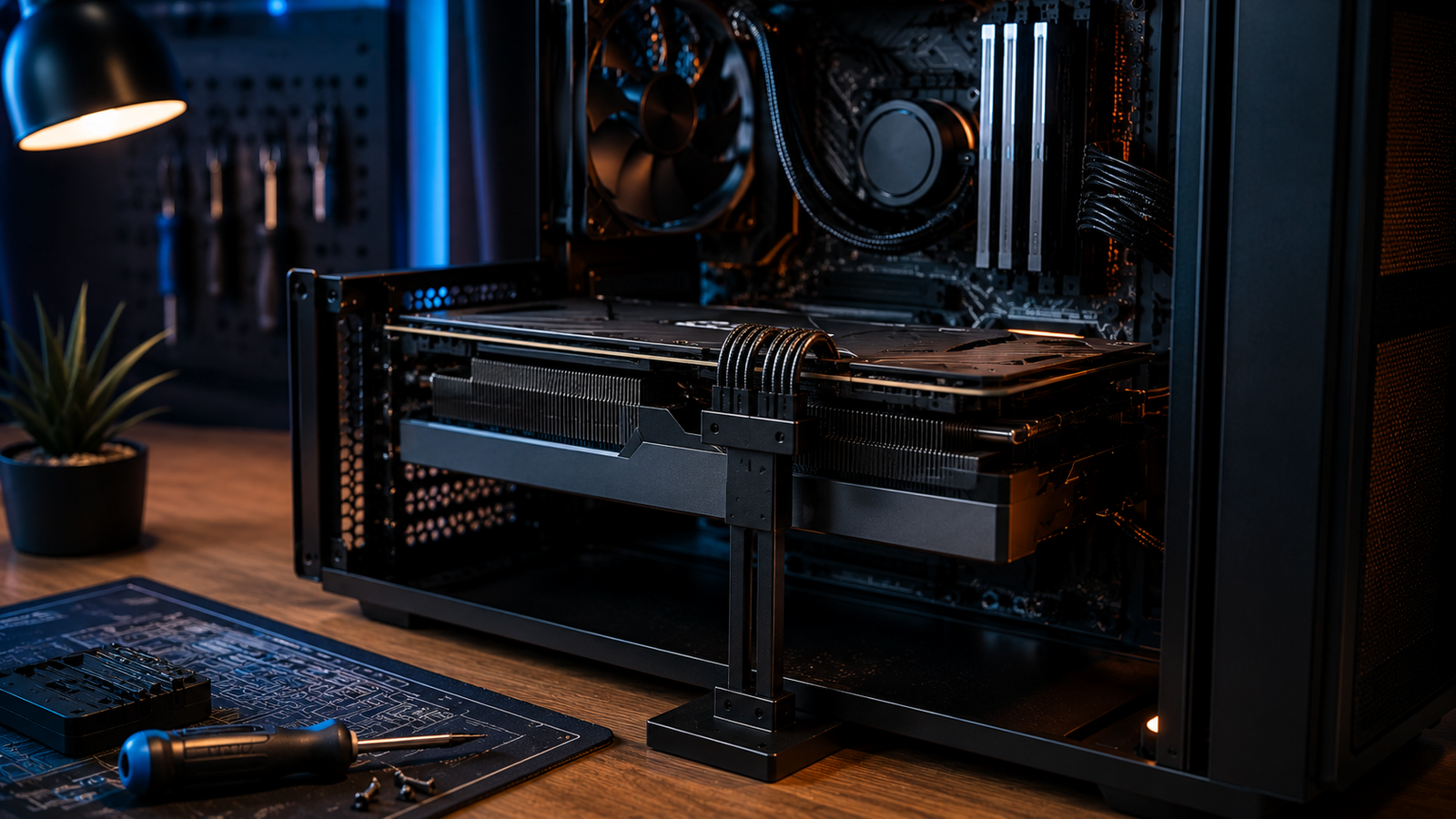
A GPU support bracket, also called an anti-sag bracket or graphics card holder, supports the far end of the GPU so the PCIe slot is not carrying as much leverage.
There are several common types:
- Adjustable vertical support stands
- Case-mounted anti-sag brackets
- Motherboard-mounted brackets
- GPU manufacturer brackets included in the box
- Magnetic base supports for steel PSU shrouds
The best option depends on your case. A simple adjustable stand under the outer edge of the card is often enough, as long as it is stable and does not press against fan blades.
If your GPU came with a manufacturer bracket, use that first. Gigabyte publishes anti-sag bracket compatibility guidance for supported graphics cards, and it also lists specific clearance requirements in its 8 cm anti-sag bracket notice. That matters because not every bracket fits every motherboard, case, or front-panel clearance arrangement.
Correct Rear Bracket Installation Matters
Before buying anything, check the basics:
- Make sure the GPU is fully seated in the PCIe slot
- Tighten the rear expansion slot screws evenly
- Use all required screws for large multi-slot cards
- Confirm the case slot area is not bent
- Make sure the motherboard is properly screwed into the case standoffs
A loose rear bracket can make sag look worse. A poorly seated GPU can also create instability that gets blamed on sag.
Vertical GPU Mounting Can Help, But It Is Not Always Better
A vertical GPU mount can reduce the classic downward sag seen in horizontal installations. However, it is not automatically the best solution.
Vertical mounting can create new issues:
- Reduced airflow if the card sits too close to the side panel
- Added dependency on a PCIe riser cable
- Possible compatibility issues with PCIe 4.0 or PCIe 5.0 if the riser is low quality
- Less space for thick GPUs in some cases
For display builds, vertical mounting can look cleaner. For workstation or AI hardware where stability and cooling matter most, a strong horizontal mount with a proper support bracket is often simpler and more reliable.
Cable Tension Can Make Sag Worse
Power cables should not pull the GPU downward or sideways. This is especially important with large cards that use stiff power cables or adapters.
Good cable routing should:
- Leave gentle slack near the power connector
- Avoid pulling the outer edge of the GPU down
- Avoid pushing the card upward aggressively
- Keep cables away from fans
- Avoid tight bends near the connector
Cable management will not fix a heavy unsupported card, but bad cable tension can make sag and connector stress worse.
DIY Fixes: Safe or Risky?
Some DIY supports work fine if they are stable, non-conductive, and heat-resistant. People often use small brackets, adjustable posts, or custom 3D-printed supports.
Avoid unsafe fixes such as:
- Objects that can fall into fans
- Metal items that could short components
- Supports pressing directly on fan blades or fragile shrouds
- Anything that blocks GPU airflow
- Excessive upward force that bends the card the other way
The goal is support, not pressure. The bracket should gently hold the card level, not jack it upward.
When You Should Fix GPU Sag Immediately
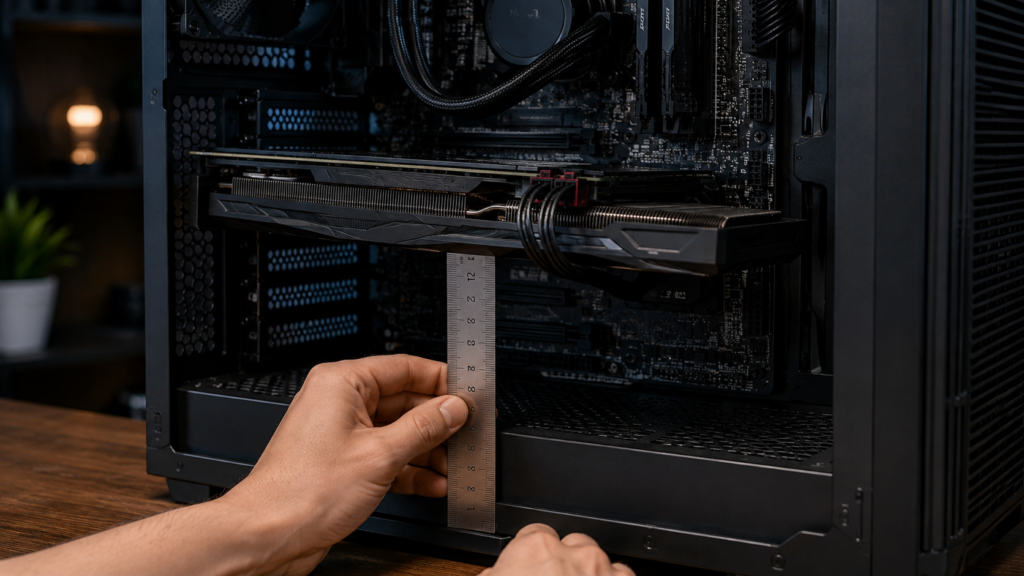
You should address GPU sag right away if the card is very heavy, visibly bending, or installed in a system that gets moved often. It is also worth fixing immediately in AI workstations and production PCs, where downtime is more expensive than a small support bracket.
Fix it now if:
- The GPU is a large triple-slot or quad-slot model
- The far end of the card droops noticeably
- The motherboard slot appears stressed
- You transport the PC
- The GPU is used for long rendering, gaming, or AI workloads
- You are building a new system and the bracket is already included
For a new build, installing the support during assembly is easier than adding it later.
The Practical Answer
Mild GPU sag is usually not dangerous by itself. Severe GPU sag, visible PCB bending, unstable mounting, or stress near the PCIe slot is worth correcting.
The best prevention is simple: seat the card properly, secure the rear bracket, route cables without tension, and use a GPU support bracket that fits your case. For heavy modern graphics cards, especially in AI workstations or high-end gaming PCs, an anti-sag bracket is not just cosmetic. It reduces mechanical stress and helps keep the card stable over time.
Read More → Best GPUs for Gaming in August 2026: Smart Picks for Every Budget



One Comment