

Phone Overheating can feel random, especially when you are not gaming, recording video, or charging heavily. But in many cases, the problem comes from settings and background activity you do not notice.
Your phone may be syncing files, tracking location, pushing brightness too high, using mobile data aggressively, or keeping apps active in the background.
Before assuming the battery is failing, check these hidden settings first.
Why Phone Overheating Happens Even When You Are Not Using It
A phone does not need to be in your hand to work hard.
Apps can refresh in the background. Photos can sync. Location services can run. Updates can download. Your phone can also heat up while searching for signal or using hotspot.
Apple explains that iPhone and iPad devices may get warm during tasks like setup, backup restore, wireless charging, graphics-heavy apps, or high-quality video use. Apple also warns that very hot conditions can affect battery life, as noted in its official guide on iPhone and iPad temperature management.
So a warm phone is not always dangerous. The problem is repeated overheating, sudden heat during light use, or heat that comes with fast battery drain.
1. Background App Refresh May Be Working Too Hard
Background refresh lets apps update content even when you are not using them.
That is useful for messaging, weather, email, and news apps. But too many apps refreshing at once can drain battery and add heat.
Check apps that do not need constant updates. Social apps, shopping apps, travel apps, and games are common examples.
On iPhone, look under Background App Refresh.
On Android, check Battery settings, app battery usage, or background activity controls.
Keep background access only for apps that actually need it.
2. Location Services Can Quietly Heat Your Phone
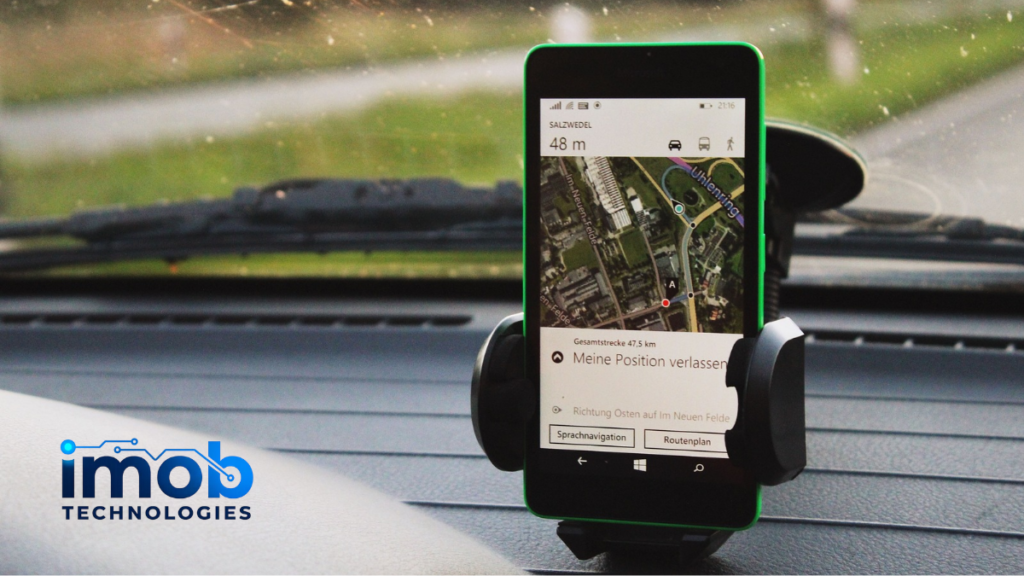
Location tracking is one of the biggest hidden causes of battery drain and heat.
Maps, weather apps, delivery apps, social media, ride-sharing apps, and photo apps may request location access. Some need it only while open. Others may ask for background access.
Check which apps can use location all the time.
Change unnecessary apps to:
- While using the app
- Ask every time
- Approximate location
- Denied
If your phone gets hot in your pocket, background location access is one of the first settings to review.
3. High Brightness Makes the Display Work Harder
Your screen is one of the most power-hungry parts of your phone.
If brightness stays near maximum, the phone can heat up faster, especially outdoors or in warm rooms. High refresh rate settings can also add to power use on some devices.
Turn on adaptive brightness or auto-brightness. Lower the screen brightness when you do not need it.
Also shorten screen timeout. A phone that stays awake longer will use more power and create more heat.
4. Hotspot and Tethering Can Heat a Phone Quickly

Using your phone as a hotspot is convenient, but it can make the device hot.
Hotspot uses mobile data, Wi-Fi, battery, and sometimes charging at the same time. That is a lot for a small device.
Google lists tethering and using a phone as a Wi-Fi hotspot among activities that can make a Pixel phone feel warm, along with downloading, uploading, restoring data, and recording high-definition video. You can see the official guidance in Google’s Pixel Help article on keeping your phone from feeling too warm.
If your phone overheats during hotspot use, reduce connected devices, stop large downloads, and avoid charging at the same time unless necessary.
5. Poor Signal Can Make the Phone Work Harder
Weak signal is easy to miss.
When your phone struggles to stay connected, it may use more power to search for a network. This can happen in basements, elevators, rural areas, crowded events, or buildings with poor coverage.
If the phone gets hot while you are not doing much, check signal strength.
Try switching to Wi-Fi if available. If you are in a poor coverage area and do not need mobile service, airplane mode can stop the phone from constantly searching.
6. Automatic Sync and Cloud Backup Can Run in the Background
Cloud backup is useful, but it can heat your phone when large files are uploading.
This often happens after:
- Setting up a new phone
- Restoring from backup
- Taking many photos or videos
- Installing many apps
- Connecting to Wi-Fi after a long time offline
Photo backup, messaging backup, file sync, and app updates can all run together.
If your phone is hot after setup or restore, give it time. If it happens often, check which apps are syncing and limit background uploads.
7. Some Apps Use Too Much Battery
One badly optimized app can make a phone hot.
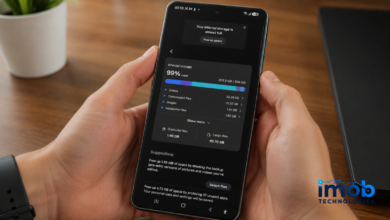
Check battery usage settings and look for apps using a high percentage of power even when you barely opened them.
Warning signs include:
- High background activity
- Fast battery drain
- Heat after installing a new app
- Heat when the app is closed
- Random notifications or pop-ups
Update the app first. If the problem continues, restrict background activity or uninstall it.
Be extra careful with unknown apps downloaded outside official app stores.
8. Charging Habits Can Add Extra Heat
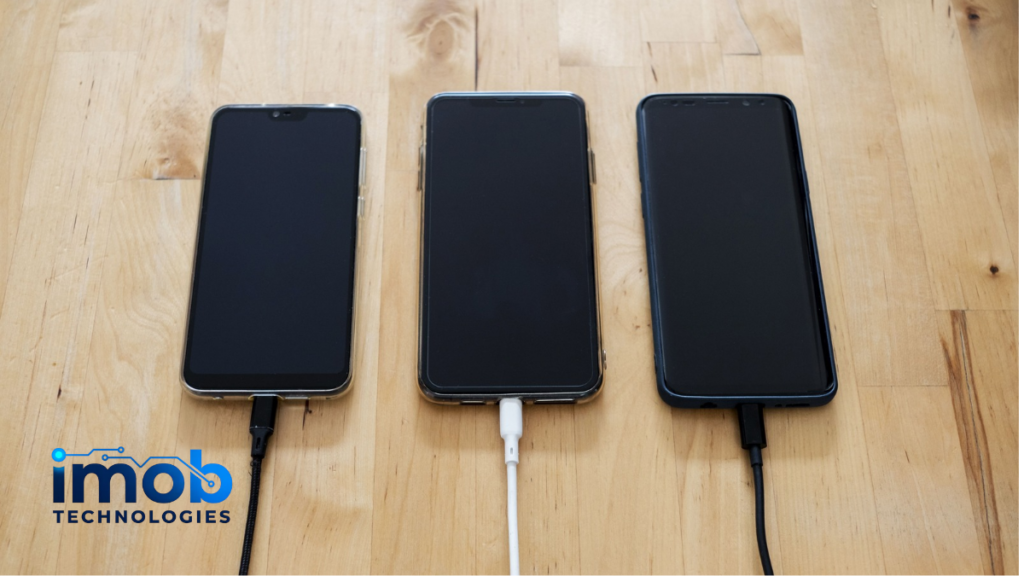
Charging naturally creates some warmth. Fast charging creates more.
Your phone may get hotter if you charge while gaming, using GPS, running hotspot, or watching video. Thick cases can also trap heat.
Samsung notes that Galaxy devices can get warm during certain conditions, including charging and heavy use, and recommends keeping devices within normal operating temperatures. Its support guide explains more about keeping Galaxy devices at normal temperature.
If the phone gets too hot while charging, remove the case, stop heavy apps, and place it somewhere cool and ventilated.
Do not charge under a pillow, blanket, or direct sunlight.
9. Hidden Privacy and Security Settings Matter Too
Some overheating issues come from apps doing more than expected.
Review app permissions for location, microphone, camera, photos, Bluetooth, and nearby devices. If an app does not need a permission, turn it off.
Also review apps you signed into recently. Some AI tools, social apps, photo editors, and free utilities can request more access than they really need.
Read more: AI App Privacy Risks Most Users Ignore Before Signing Up
10. System Updates Can Temporarily Warm the Phone
After a major update, your phone may feel warmer for a while.
It may be indexing files, updating apps, optimizing the system, or syncing data. This usually settles down after a few hours.
If overheating continues for days, check battery usage, update apps, restart the phone, and review background activity.
If you use Android, newer versions may also include privacy and battery-related tools worth checking.
Read more: Android 16 Hidden Features Most Users Still Haven’t Tried
Quick Phone Overheating Checklist
Check these first:
- Lower screen brightness
- Turn off hotspot when not needed
- Limit background app refresh
- Restrict location access
- Check battery usage by app
- Pause large cloud backups
- Avoid charging during heavy use
- Remove thick cases while charging
- Update apps and system software
- Delete suspicious or unused apps
If one setting fixes the heat, you probably found the cause.
When Phone Overheating Is More Serious
Stop using the phone if it becomes too hot to hold, shows a temperature warning, shuts down, swells, smells unusual, or heats up even when powered off.
Do not put the phone in a freezer. Sudden temperature changes can create moisture and damage components.
Move it to a cool, shaded place. Remove the case. Unplug it. Let it cool naturally.
If overheating keeps happening after basic fixes, contact the phone manufacturer or a trusted repair service.
Final Thoughts
Phone Overheating is often caused by hidden background activity, not a mysterious hardware failure.
Start with the settings that make the phone work when you are not looking: background refresh, location services, cloud sync, hotspot, brightness, and app battery usage.
If the heat stops after changing one of those settings, you do not need extreme fixes. You just needed to find what was quietly pushing the phone too hard.
FAQ
Why is my phone overheating for no reason?
Your phone may be running background apps, syncing files, tracking location, searching for signal, using high brightness, or downloading updates. These tasks can create heat even when you are not actively using the phone.
Can background apps cause Phone Overheating?
Yes. Apps that refresh, sync, track location, or use data in the background can contribute to Phone Overheating and battery drain.
Does high brightness make a phone hot?
Yes. High brightness makes the display use more power. This can add heat, especially outdoors or during long screen-on sessions.
Is it normal for a phone to get warm while charging?
Some warmth is normal during charging, especially with fast charging. But if the phone becomes very hot, remove the case, stop heavy apps, and unplug it until it cools.
Can poor signal make my phone overheat?
Yes. A phone may use more power when searching for a weak mobile signal. This can increase heat and battery drain.
What should I do if my phone gets too hot?
Stop heavy use, unplug it, remove the case, move it away from sunlight, and let it cool naturally. If overheating repeats often, check battery usage and contact support if needed.


One Comment