
Storage needs have changed quickly over the past few years. Games are getting larger, applications take up more space, and high-resolution photos and videos can fill a drive surprisingly fast.
That makes a 2TB SSD an attractive option for many PC users. But with SSD prices changing significantly in 2026, buying more storage is not automatically the best choice.
The right decision depends on how you use your computer, how much free space you currently have, and whether the extra capacity is worth the additional cost.
Why 2TB Has Become a Popular SSD Capacity
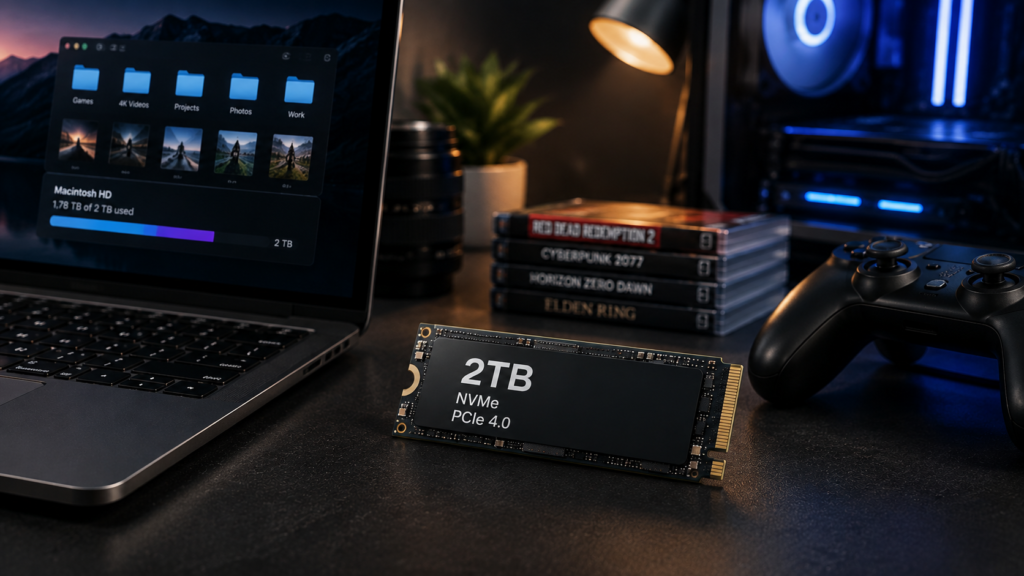
A 1TB SSD can still be enough for a typical PC, but available space can disappear quickly after installing Windows, applications, games, and personal files.
A 2TB drive gives you substantially more room without requiring a second storage device. This can be particularly useful for gaming PCs, content-creation systems, and computers that regularly handle large files.
Current SSD price tracking from Tom’s Hardware shows significant differences between SSD models and capacities, making it important to compare individual drives rather than assuming every 2TB SSD offers the same value.
The main benefit of moving to 2TB isn’t necessarily higher performance. It’s having enough space that you don’t constantly have to manage what stays on your PC.
1TB vs. 2TB SSD: Which Makes More Sense?
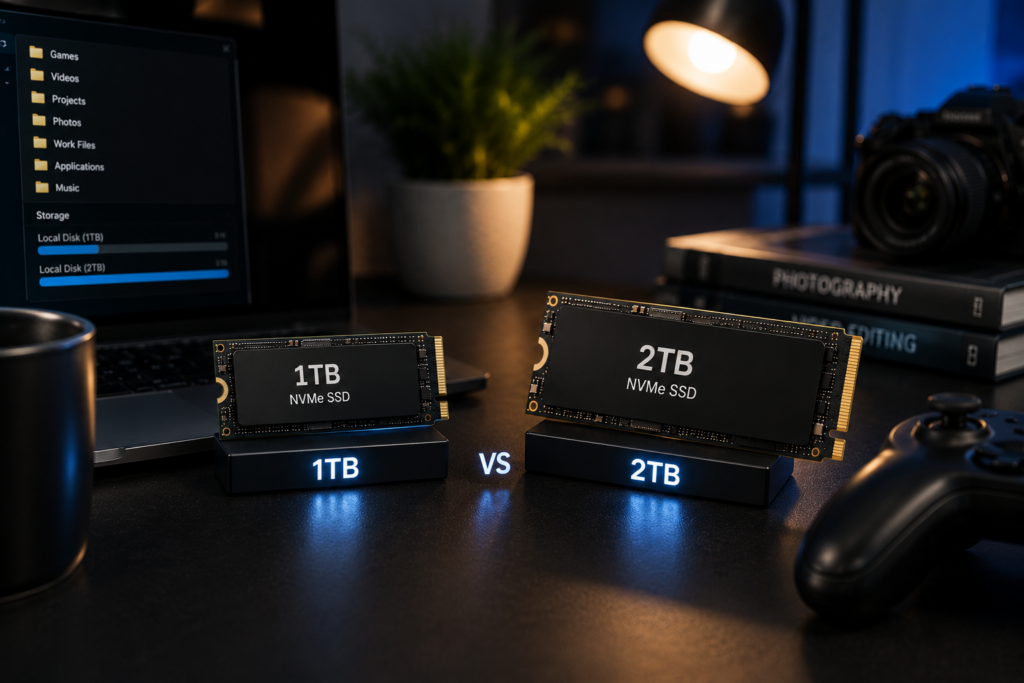
For basic computing, 1TB is often a sensible starting point.
A PC used mainly for web browsing, office applications, photos, and streaming may never need 2TB. In that situation, spending significantly more for additional capacity may not provide much practical benefit.
The calculation changes for people who install several large games, work with high-resolution media, or keep large project files locally.
| Capacity | Typical use |
|---|---|
| 500GB | Basic systems and lighter storage needs |
| 1TB | General-purpose PCs and moderate gaming |
| 2TB | Gaming, large applications, and media libraries |
| 4TB+ | Large collections and demanding storage workloads |
These are practical guidelines rather than strict requirements. Your actual storage needs depend on the software, games, and files you keep.
Is 2TB Better for Gaming?
For many gaming PCs, 2TB is a convenient capacity.
Modern game libraries can occupy a large amount of space, and constantly uninstalling games to make room for new ones isn’t ideal. A 2TB drive gives you more flexibility to keep multiple large titles installed.
However, buying a more expensive SSD doesn’t automatically increase gaming performance. Your graphics card, processor, memory, and the game itself have a much greater influence on frame rates.
Recent SSD analysis from Tom’s Hardware also highlights why capacity can matter more than chasing maximum SSD speeds for many workloads.
That makes a reasonably priced 2TB SSD potentially more useful than an extremely fast drive with less capacity.
What About SSD Prices in 2026?
This is one of the biggest reasons to think carefully before buying.
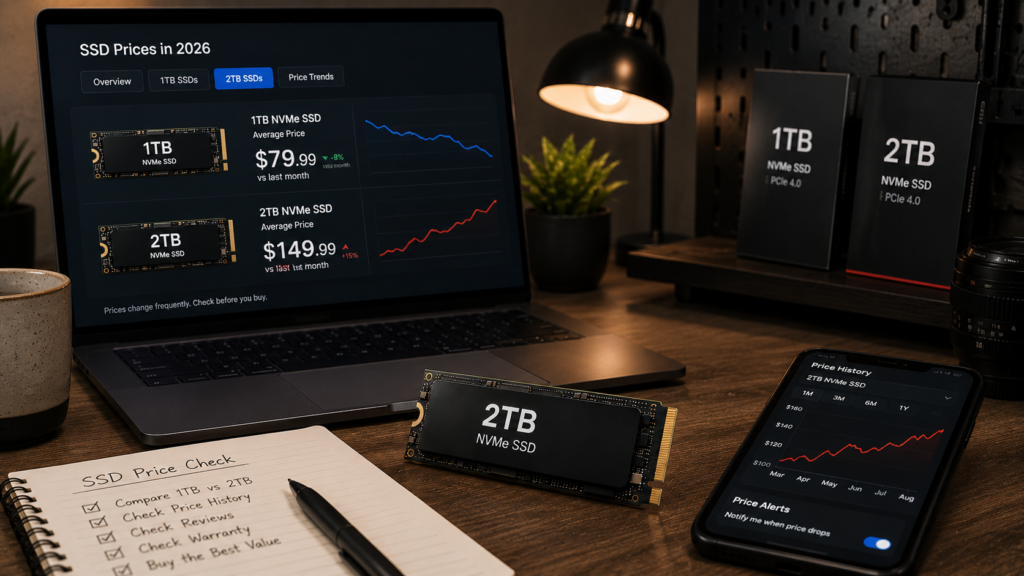
SSD prices have changed dramatically during 2026 as NAND flash supply and demand have put pressure on the consumer storage market. Tom’s Hardware’s 2026 SSD pricing analysis reports substantial price increases across parts of the consumer SSD market.
Because prices vary considerably between models, there isn’t one price that makes every 2TB SSD a good deal.
Instead of asking whether 2TB is worth it at any price, compare the actual price of the drive you’re considering with suitable 1TB alternatives.
Do You Need a PCIe 5.0 SSD?
For most people, no.
PCIe 5.0 SSDs offer extremely high sequential speeds, but those numbers don’t automatically translate into a dramatically better everyday experience.
A good PCIe 4.0 NVMe SSD can already provide very high performance. For example, Samsung’s 990 PRO is a PCIe 4.0 x4 NVMe drive rated for sequential read speeds of up to 7,450 MB/s.
Kingston’s FURY Renegade PCIe 4.0 SSD is another high-performance option, with the 2TB version rated for sequential read speeds of up to 7,300 MB/s.
For a gaming or general-purpose PC, a quality 2TB PCIe 4.0 drive can therefore make more sense than paying a large premium simply to get the newest PCIe generation.
When Should You Choose 2TB?
Read More: NVMe Not Detected in BIOS? Step-by-Step Rescue Guide for PC Builders
A 2TB SSD makes the most sense when your current storage is regularly getting close to full.
It can be particularly useful if you:
- Keep a large game library
- Work with large video or photo files
- Install many applications
- Store large projects locally
- Want to avoid adding another drive soon
On the other hand, if your current 1TB drive still has plenty of free space, there is little reason to upgrade simply because 2TB is available.
Storage capacity should follow your actual usage rather than becoming an upgrade target by itself.
Check Your PC Before Buying
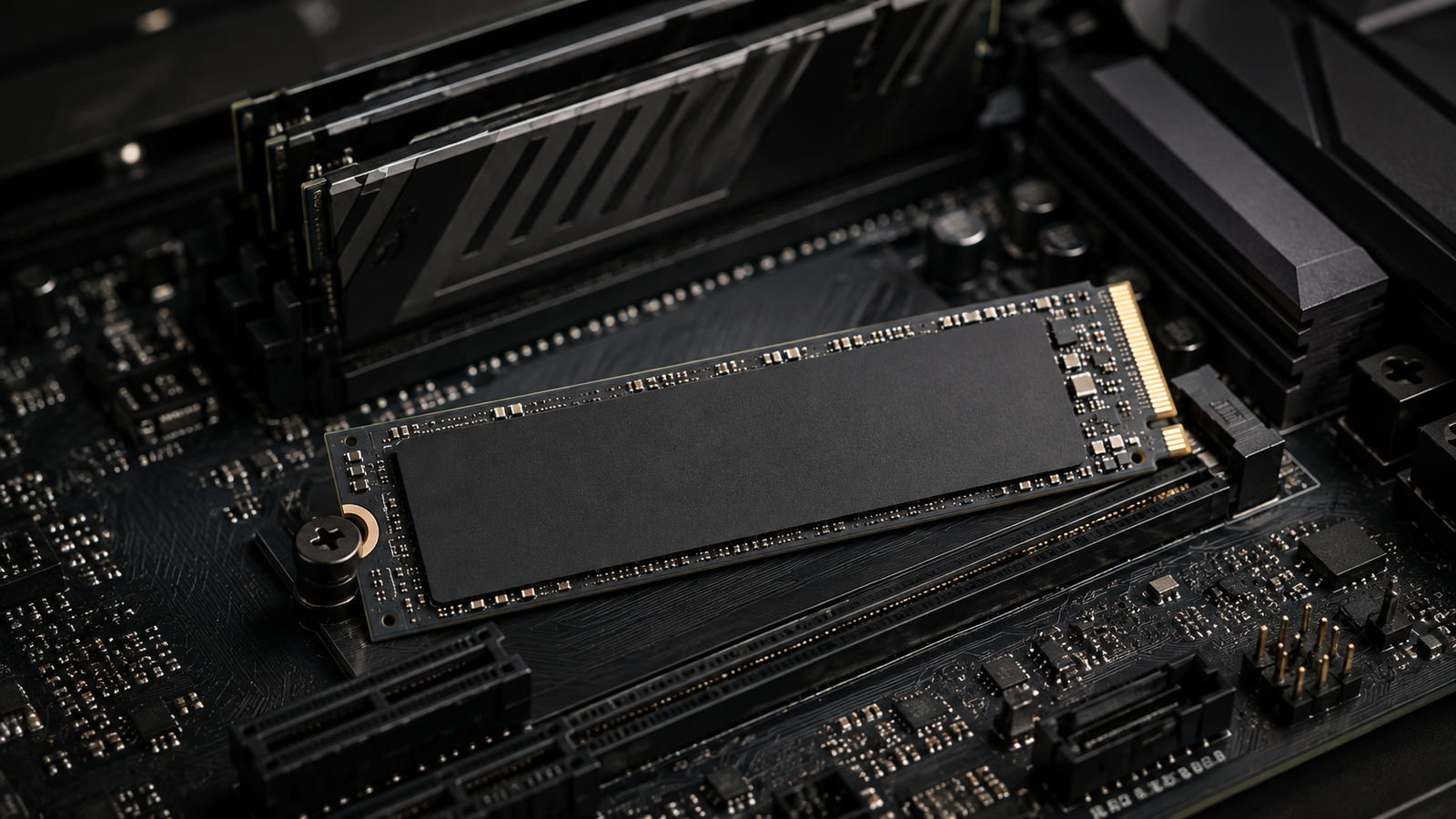
Before purchasing a 2TB SSD, make sure your computer supports the drive you’re considering.
M.2 NVMe drives and 2.5-inch SATA SSDs use different interfaces, and M.2 support can also vary between systems.
Your motherboard or laptop may support a particular PCIe generation, have a limited number of M.2 slots, or have restrictions on upgradeable storage.
Before buying, check:
- Available M.2 or SATA connections
- Supported PCIe generation
- Physical space inside the system
- Whether your laptop allows storage upgrades
- Whether you’re adding a second drive or replacing the existing one
A little compatibility checking before the purchase can prevent an otherwise unnecessary upgrade problem.
So, Is a 2TB SSD Worth It in 2026?
For the right user, yes.
A 2TB SSD offers a useful balance between capacity and convenience, especially for gaming PCs and systems that store large amounts of data.
However, the unusual SSD pricing conditions in 2026 mean that capacity alone shouldn’t determine your purchase.
If you regularly run out of space on a 1TB drive, moving to 2TB can be a worthwhile upgrade. If you rarely use more than half of your current storage, keeping your existing drive may be the better financial decision.
For many users, a well-priced 2TB PCIe 4.0 SSD is a sensible choice without paying a large premium simply to get the newest PCIe generation.
The best SSD isn’t necessarily the fastest one. It’s the one that gives your PC enough space, fits your hardware, and makes sense for your budget.
Read More → AMD CPUs News 2026