
Table of contents
- Your Phone May Be Running Out of Storage
- Too Many Background Apps Can Drain Performance
- Software Updates Can Help, But They Can Also Feel Heavy
- Battery Health Can Affect Speed
- Your Network Might Be the Problem, Not the Phone
- Heat Can Make Your Phone Throttle
- Visual Effects and Widgets Can Add Load
- When a Factory Reset Makes Sense
- Quick Checklist to Speed Up a Slow Phone
- Final Thoughts
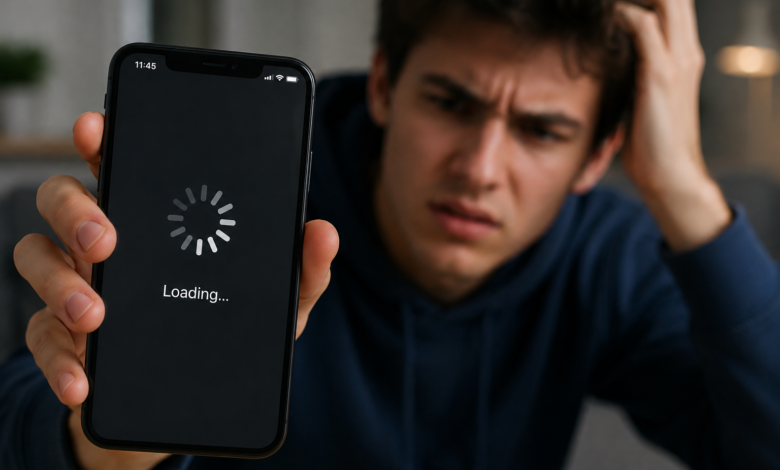
A slow phone can make even simple tasks feel annoying. Apps take longer to open, typing lags, the camera freezes, and scrolling does not feel as smooth as it used to. If your phone is slow, the cause is usually not one single problem. It is often a mix of storage pressure, background apps, battery condition, software updates, network issues and aging hardware.
The good news is that most slow-phone problems can be improved without buying a new device. The key is to check the right things first instead of deleting random apps or installing “speed booster” tools that often create more clutter.
Your Phone May Be Running Out of Storage
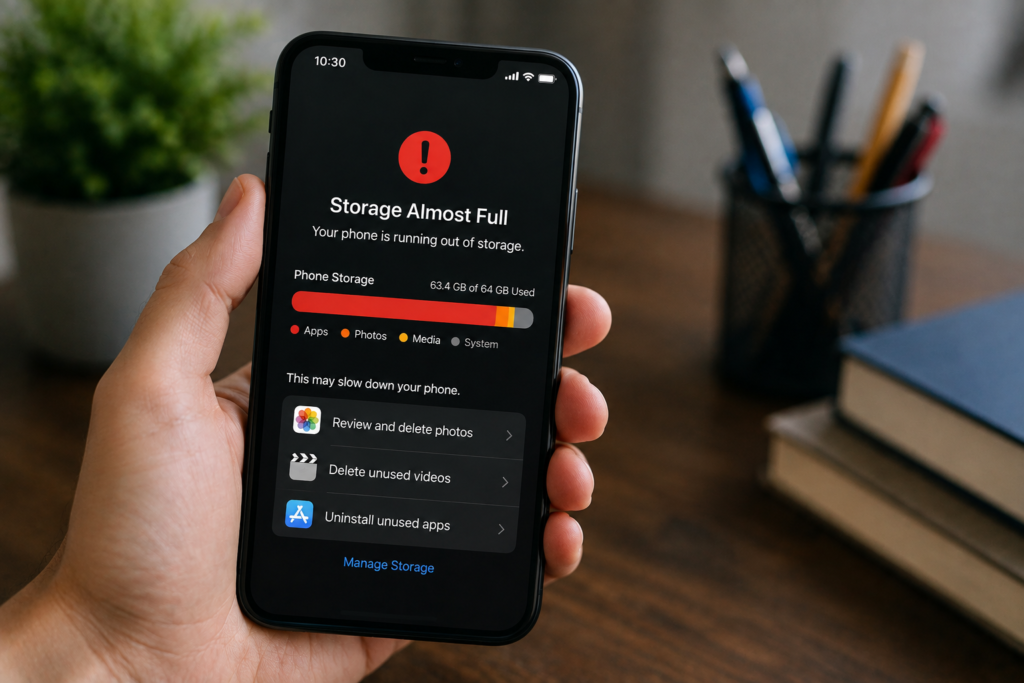
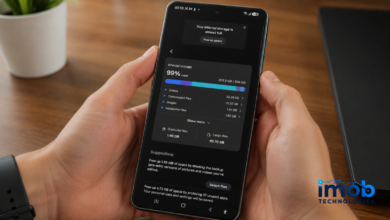
Low storage is one of the most common reasons a phone starts to feel sluggish. When storage gets tight, the system has less room for app data, temporary files, downloads, photos, video clips and update files.
Both Android and iPhone need free space to work smoothly. If your phone is nearly full, apps may open slowly, updates may fail and the camera may take longer to save photos or videos.
Start by checking storage settings. Remove large videos you no longer need, delete downloaded files, clear old messaging attachments and uninstall apps you rarely use. If your photos are backed up to cloud storage, you can use built-in storage tools to remove local copies safely.
If storage is the main issue, this is also a good place to link to IMOB’s existing guide, “Why Is My SSD Full When I Barely Have Any Files?”, because the same idea applies: hidden files, cached data and system storage can take up more space than expected.
Too Many Background Apps Can Drain Performance
Modern phones are designed to manage apps in the background, so you do not need to force close every app all day. In fact, Apple notes in its guide on what to do if your iPhone or iPad is running slow that force closing apps unnecessarily can make them take longer to reload when reopened.
Still, a misbehaving app can cause lag, heat, battery drain or crashes. If your phone became slow after installing a specific app, check its battery and background activity settings. Removing or reinstalling that app may help.
On Android, review apps using battery or background data. On iPhone, check Battery settings to see which apps are consuming unusual power.
Software Updates Can Help, But They Can Also Feel Heavy
System updates often include security patches, bug fixes and performance improvements. If your phone is far behind on updates, it may run into app compatibility problems or known bugs that have already been fixed.
However, after a major update, a phone can feel slower for a short period while it re-indexes files, updates apps and rebuilds caches. This usually improves after the device has been plugged in and used normally for a while.
If the phone remains slow, check for a smaller follow-up update, update your apps and restart the device.
Battery Health Can Affect Speed
Battery condition matters because phones depend on stable power delivery. As batteries age, they hold less charge and may struggle under heavier loads.
Apple explains that iPhone performance management can dynamically adjust some system behavior to prevent unexpected shutdowns when battery condition has degraded. Android behavior varies by manufacturer, but poor battery health can still show up as heat, sudden drops, restarts or reduced performance.
If your phone is older and performance drops sharply under load, check battery health if your device supports it. A battery replacement may be more useful than buying a new phone, especially if the rest of the device still works well.
Your Network Might Be the Problem, Not the Phone
Sometimes a phone feels slow because apps are waiting on the internet. Social feeds, maps, banking apps, messaging apps, cloud photos and streaming services all depend on network quality.
Apple and Google both recommend checking network conditions when a phone feels slow. Google’s Android Help guide to speeding up a slow Android device includes connection checks as part of troubleshooting. Weak Wi-Fi, congested cellular networks or frequent switching between towers can make apps feel frozen even when the phone hardware is fine.
Try loading offline apps such as Settings, Calculator or Notes. If those feel normal but online apps lag, test another Wi-Fi network or switch between Wi-Fi and mobile data.
Read More: Android 16 Hidden Features Most Users Still Haven’t Tried
Heat Can Make Your Phone Throttle
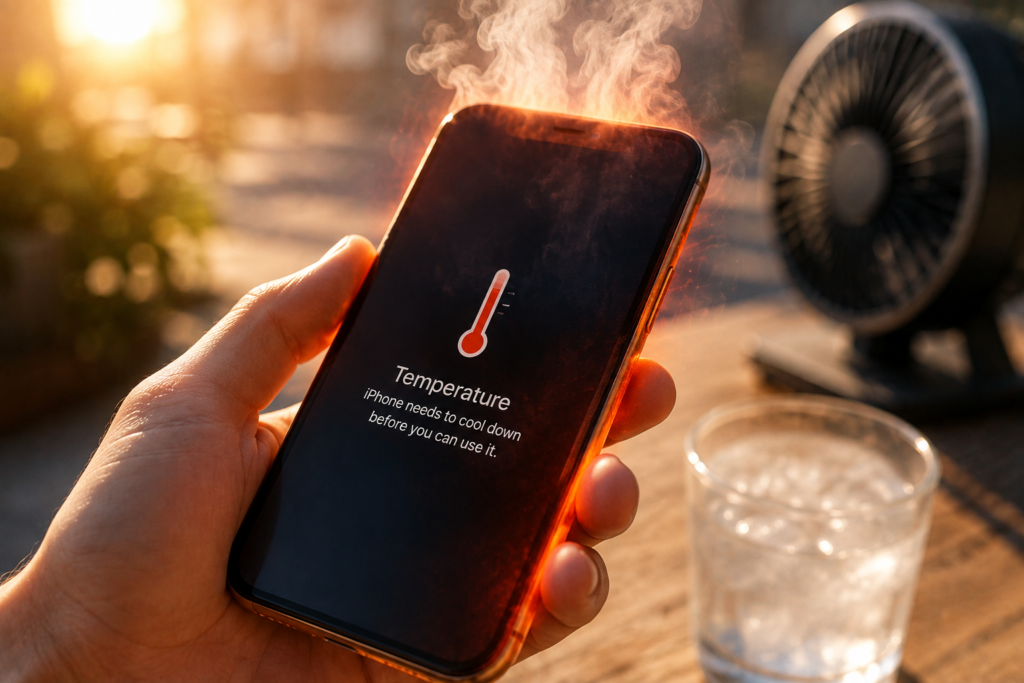
Phones are thin, sealed devices with limited cooling. When the processor gets hot, the system may reduce performance to protect the hardware and battery.
This can happen during gaming, video recording, navigation, charging, direct sunlight or heavy multitasking. If your phone gets warm and suddenly slows down, let it cool, remove a thick case temporarily and avoid charging while doing demanding tasks.
Repeated overheating may point to a faulty app, poor battery condition or a hardware issue.
Visual Effects and Widgets Can Add Load
Live wallpapers, heavy widgets, animated launchers and always-on features can make older phones feel slower. These features may look nice, but they use memory, processing power and battery.
On older Android phones, switching to a simpler launcher, reducing animations and removing unnecessary widgets can improve responsiveness. On iPhone, reducing motion and limiting background refresh can help if the device feels heavy.
When a Factory Reset Makes Sense
A factory reset should not be the first step, but it can help if your phone has years of leftover files, broken settings or unexplained software problems. Before resetting, back up photos, contacts, messages, app data and authentication codes.
If a phone is still slow after a clean reset, updated software and enough free storage, the limitation may be aging hardware. At that point, upgrading may be more practical.
Quick Checklist to Speed Up a Slow Phone
Try these steps in order:
- Restart the phone.
- Check free storage.
- Delete large files and unused apps.
- Update the system and apps.
- Check battery health and background activity.
- Test Wi-Fi and mobile data separately.
- Let the phone cool if it is hot.
- Remove heavy widgets or visual effects.
- Back up and factory reset only if simpler fixes fail.
Final Thoughts
If your phone is slow, start with storage, updates, battery health, network quality and heat. These causes are more common than a completely failing device.
A phone does not need to feel new forever, but it should still handle basic tasks smoothly. With the right checks, you can often make an old phone usable again or decide with confidence when it is time to upgrade.
Read More: Best iPhones to Buy in August 2026: Which One Is Worth It?